
Calendars
the business's own calendar.
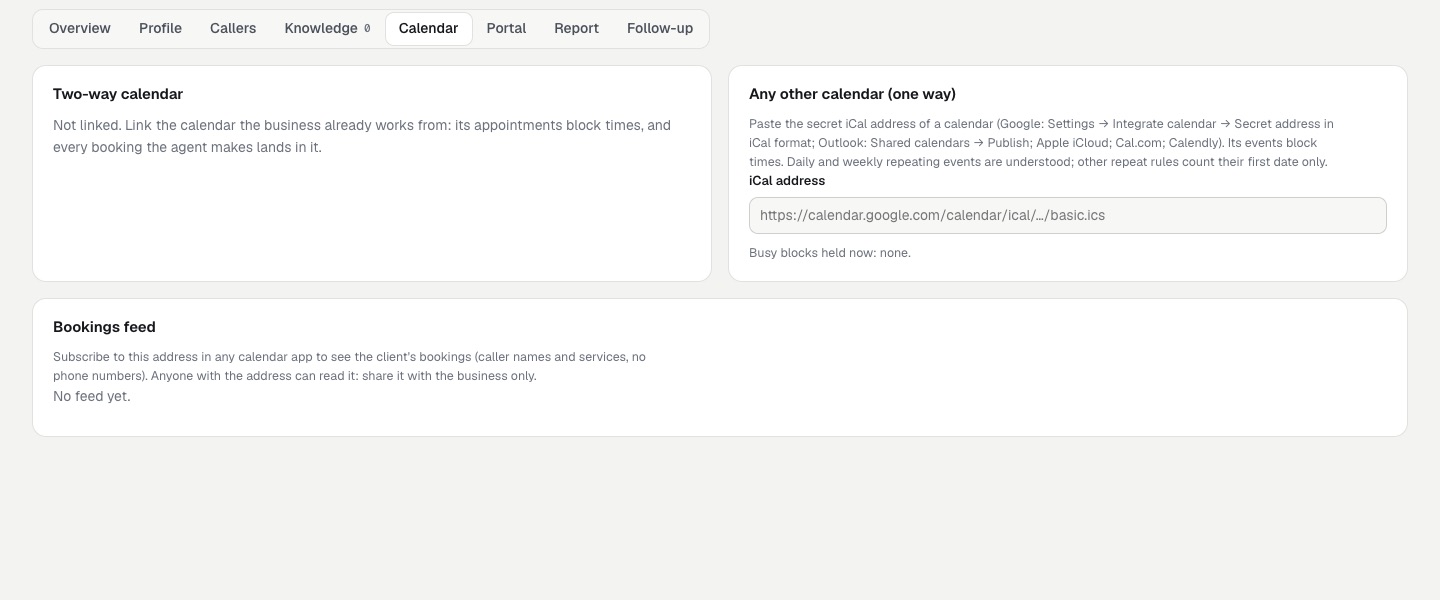
Three ways, per client, on the client's Calendar tab. They can be combined. Special hours and public holidays are on the profile.
01Two-way: Google Calendar or Outlook
The business's own calendar blocks times, and every booking the agent makes appears in it as an event (deleted when the booking is cancelled). You create the OAuth app once, in your own Google Cloud or Microsoft Entra account; each business then signs in with its own account.
02Google
- Google Cloud console → new project → APIs & Services → enable Google Calendar API.
- OAuth consent screen: External, scope
.../auth/calendar.events. While the app is in "Testing", add the businesses' accounts as test users (or publish the app; Google may review it). - Credentials → Create OAuth client → Web application. Authorised redirect URI:
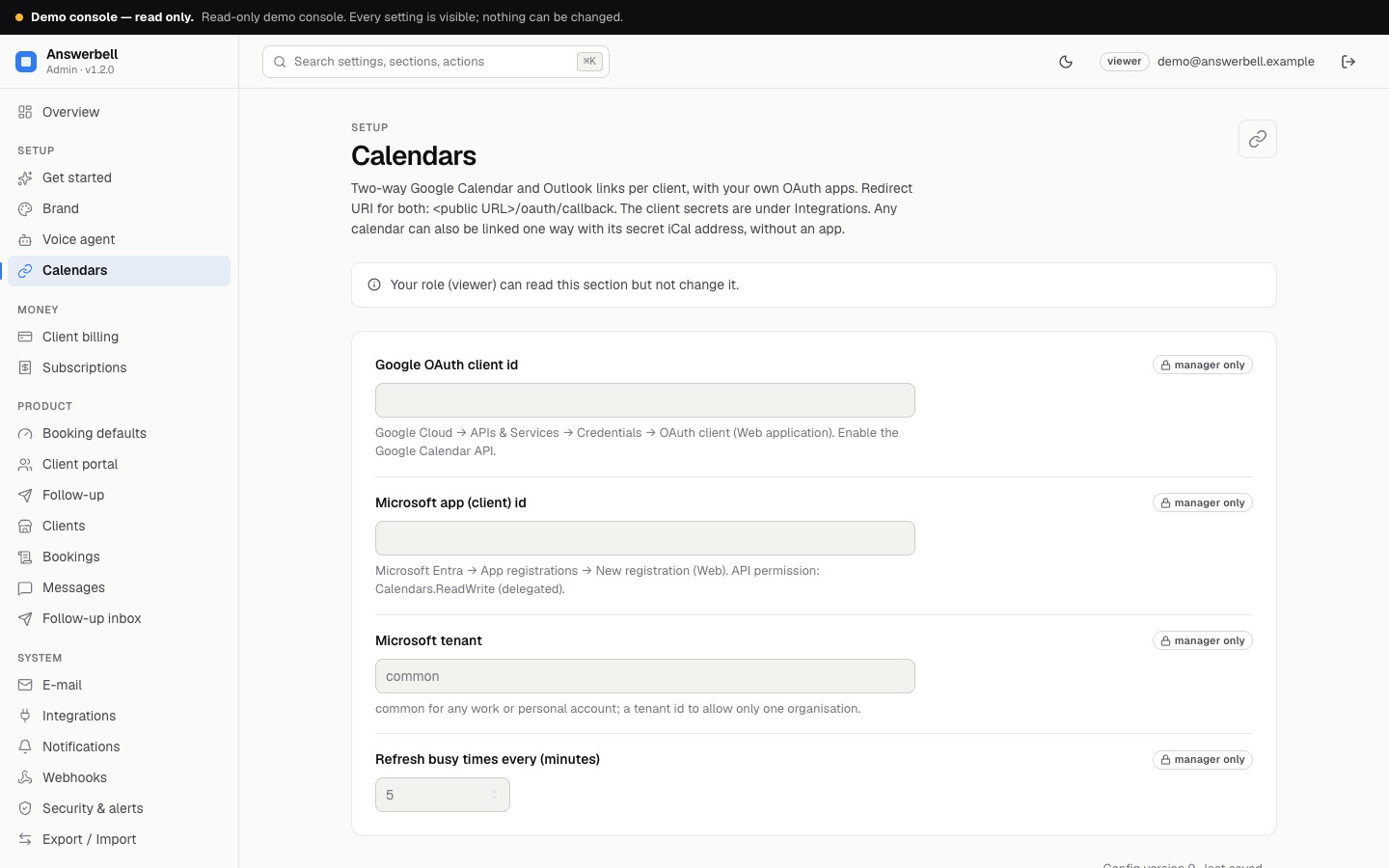
https://<your public URL>/oauth/callback. - In Answerbell: Settings → Calendars → Google OAuth client id; Integrations → Google OAuth client secret.
03Microsoft (Outlook, Microsoft 365)
- Microsoft Entra admin centre → App registrations → New registration. Supported accounts: any organisation and personal accounts (tenant
common). Redirect URI (Web):https://<your public URL>/oauth/callback. - API permissions → Microsoft Graph → delegated Calendars.ReadWrite (and
offline_access). - Certificates & secrets → New client secret; copy the value.
- In Answerbell: Settings → Calendars → Microsoft app id (and tenant); Integrations → Microsoft app client secret.
04Linking a business's calendar
On the client: Link Google Calendar / Link Outlook opens a new tab where the business owner signs in. The refresh token is stored encrypted with your ADMIN_SECRET_KEY and never shown.
Busy times are read every few minutes (Settings → Calendars) for the booking window, and on Read busy times now. The voice agent never waits on Google or Microsoft: it reads the stored busy times. An event in the linked calendar blocks the whole business for its duration, whatever the client's parallel capacity. Events Answerbell made itself are not counted twice.
05One way: any calendar's iCal address
Paste a secret iCal address (Google: Settings → Integrate calendar → Secret address in iCal format; Outlook: Calendar → Shared calendars → Publish; iCloud; Cal.com; Calendly). Its events block times. Daily and weekly repeating events are expanded (with exceptions); other repeat rules count their first date only. Only https addresses on public hosts are fetched, up to 5 MB.
06Bookings feed
Make the feed address gives a secret https://<public URL>/ics/<token>.ics with the client's bookings (service and caller name, no phone numbers). Subscribe to it in any calendar app. New address replaces it; the old one stops at once. Anyone with the address can read it, so share it with the business only.
07Special hours and public holidays
On the client's profile: Special hours (2026-12-24 09:00-12:00, one date per line) replace that weekday's hours for one date; Add public holidays fills the closed dates with the national days off of Slovakia, Czechia, Poland, Hungary, Germany (nationwide), Austria or England and Wales for a year. Check the list before saving: governments change holidays.